
The “Clean Desk” policy used to be the corporate equivalent of eating your vegetables. It was a bit tedious, slightly performative, and mostly involved shredding post-it notes so the night janitor didn’t see your login credentials.
But the walls of the traditional office have dissolved. Today, your “desk” is a kitchen island in Willmar, a home office in Marshall, or a corner of a coffee shop in Alexandria. In this distributed landscape, the physical stakes have shifted. We aren’t just protecting paper anymore; we’re protecting the physical-to-digital bridge.
If your home office is the default workspace, physical access is digital access. It’s time to move past the aesthetics of a tidy workspace and start talking about the mechanics of a secure one.
The MFA Myth: Why an Unlocked Screen is a Data Breach
Most business owners view Multi-Factor Authentication (MFA) as the ultimate deadbolt. It’s a great lock, but it only guards the front door. Once you’ve sat down, scanned your face, or tapped your hardware key, you’ve established a “session.”
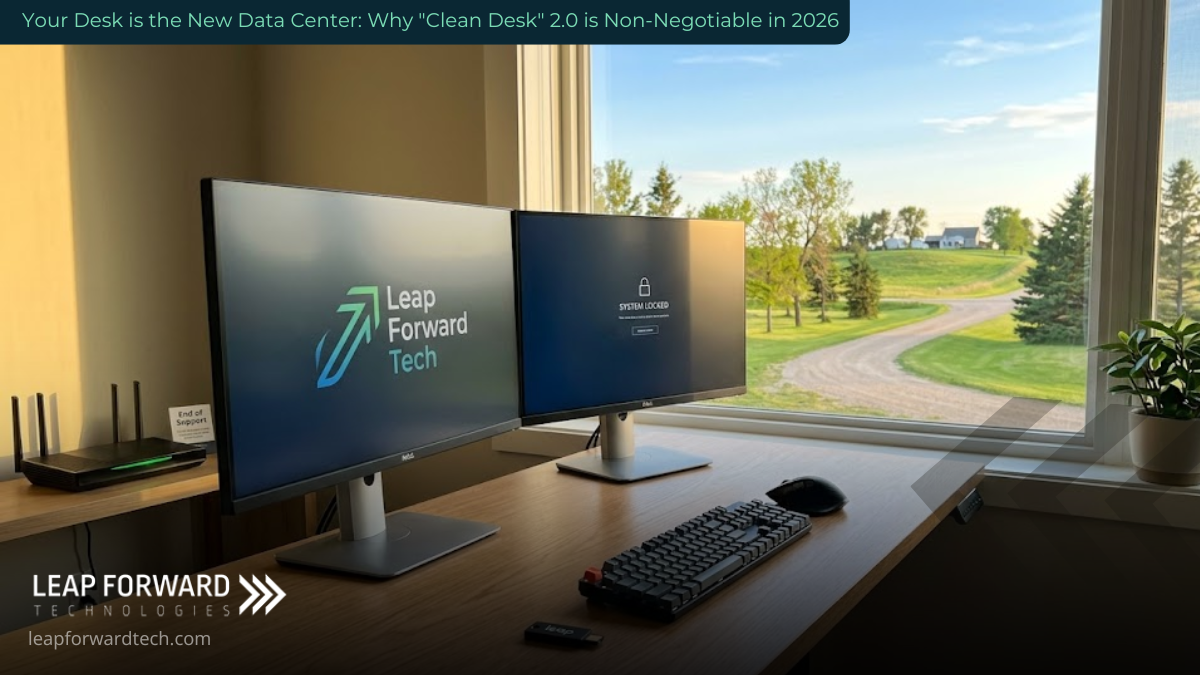
When you log into a cloud app, your browser creates a session token. Think of this as a “Backstage Pass.” As long as that pass is valid, the app won’t ask for your ID again.
The Risk: If you walk away to grab a refill of coffee and leave your screen unlocked, that session stays active. A curious houseguest, a delivery person, or a thief doesn’t need to be a “hacker.” They don’t need to bypass your MFA. They just need to sit in your chair. With your active session, they have the same permissions you do access to the CRM, payroll, and sensitive client files without a single security prompt.
The Fix: We need to move from “Locked Doors” to an Auto-Lock Culture. * Set screen-lock timers to 2 minutes or less.
- Train your thumb to hit
Win+L(orCmd+Ctrl+Q) every single time you stand up. - Treat an unlocked session like leaving the keys in the ignition of a running car.
Hardware “Legacy Debt” on Your Desk
We all have that one “backup” laptop or the router we bought five years ago because it “still works.” In the world of cybersecurity, “still works” is a dangerous metric.
Security isn’t a permanent feature; it’s a subscription provided by the manufacturer in the form of patches. When a device reaches End-of-Support (EOS), the manufacturer stops sending updates. Any new vulnerability discovered after that date is a permanent, unfixable hole in your perimeter.
In 2026, your home-office “edge” the hardware that sits between your private network and the internet is the primary target. You cannot patch your way out of obsolete hardware.
The Clean Desk Audit:
- Map your Edge: Identify every internet-facing device (routers, printers, NAS drives).
- Verify Vitality: If the manufacturer no longer supports it, it’s a liability, not an asset.
- Retire the Debt: If it can’t be patched, it shouldn’t be powered on.
When AI Agents Run Your Desk
Workstations aren’t just screens anymore; they are hubs for Automated Agents. Your team is likely using AI to draft emails, schedule meetings, or move data between apps.
This adds a layer of physical risk: Unattended Automation. If an AI agent is running a complex workflow while you’re in the other room, an unlocked screen becomes an open control panel. An unauthorized person doesn’t need to know how to code to cause damage; they just need to click “Approve” on a process the AI has already prepared.
The Policy: Define what we call “Human-in-the-Loop” boundaries.
- What can the AI do autonomously?
- What requires an explicit, authenticated human click?
- Set spending limits and data access rules for every automated tool.
Digital Clutter and “Cloud Waste”
A Clean Desk 2.0 mindset also tackles operational drag. Cloud Waste is the digital version of leaving the lights on in an empty office building. It’s the “test environment” that was never shut down or the storage bucket that’s been inflating your bill for 14 months.
Efficiency is a security feature. The less “stuff” you have running, the smaller your attack surface.
- Assign Owners: Every cloud resource should have a human name attached to it.
- Schedule Shutdowns: If a resource isn’t needed at 3:00 AM, it shouldn’t be costing you money at 3:00 AM.
- Prune Ruthlessly: If you haven’t touched the data in two years, archive it or delete it.
Building the 2.0 Foundation
Securing your home office isn’t about paranoia it’s about the professionalism required to run a business in 2026. Your home is now a branch office, and it deserves branch-office security.
At Leap Forward Tech, we help businesses across West Central and Southwest Minnesota bridge the gap between “it works” and “it’s secure.” Whether you’re managing a remote team in Hutchinson or securing a headquarters in Willmar, we provide the technical baseline that lets you scale without the physical-to-digital anxiety.
Ready to turn your home-office vulnerabilities into a hardened perimeter? Contact Leap Forward Tech for a comprehensive technology consultation today.