
Have you ever encountered a roadblock that made you immediately abandon a website? Perhaps a form was impossible to fill out, or the text was just too difficult to read. Now, imagine that frustrating experience happening every single time you tried to engage with a business online.
It’s not just a guess it’s a massive, missed business opportunity. A UK Click-Away Pound survey found that a staggering 69% of disabled internet users will abandon a website that is difficult or impossible to use. For small and medium businesses (SMBs), this isn’t just a compliance issue; it’s a failure to welcome a significant segment of potential customers and talent.
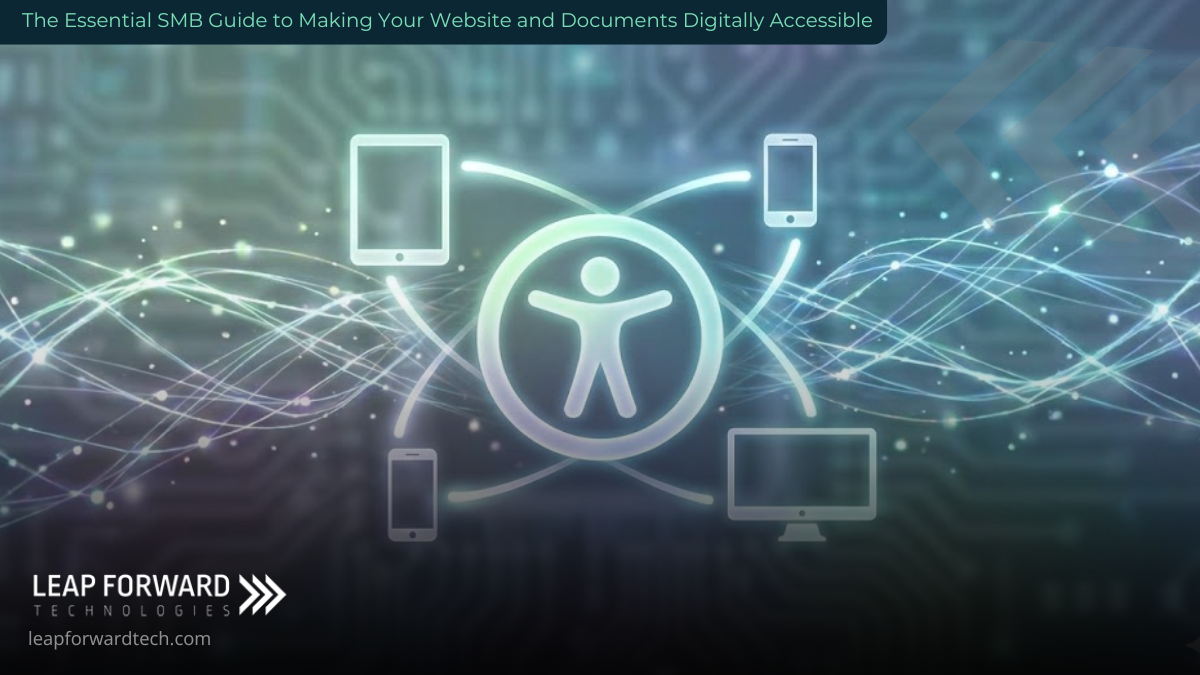
Making your digital presence accessible is the difference between a website that serves a few and one that genuinely serves everyone.
This isn’t about charity or just meeting a technical checklist; it’s a commitment to superior customer experience.
The StoryBrand Problem: The Hidden Walls You Didn’t Know You Built
Your potential customer is looking for a solution. They want to engage with your service, buy your product, or get essential information.
- The Villain: The silent, frustrating barrier of inaccessibility.
- The Stakes: Lost revenue, missed connections with loyal customers, potential legal risk, and a brand image that appears exclusive rather than inclusive.
Many SMB owners believe their website is intuitive because it works for them. The problem is that not everyone uses a mouse, sees color the same way, or processes information at the same speed. The customer is trying to use your site, but the site itself is fighting back. The key is to realize that accessibility issues often signal deeper usability problems that frustrate all users.
This guide will show you simple, actionable steps to make your website and documents welcoming to everyone, transforming your digital presence from a barrier into a beacon.
1.Understand How People Truly Use Your Digital Presence
Thought leadership begins with empathy. It’s easy to believe your website is intuitive just because it works for you. However, millions of users rely on different methods to navigate:
- Some use a keyboard only to tab between links and buttons.
- Others rely on screen readers that vocalize text and describe images.
- Some use voice commands or specialized hardware to interact with the page.
Actionable Insight: Test with Real Tools
The most valuable insights come from real users, but you can start by simulating their experience. Try navigating your entire website using only the Tab key. Can you reach every link, button, and form field? If a user relies on a screen reader, they need a clear, logical structure (like well-defined headings $H1, H2, H3$) to quickly scan the page. If your site doesn’t pass this simple test, it’s actively blocking business.
2.Make Your Visuals Accessible: The Contrast Check
Visual accessibility is one of the most common oversights, affecting millions of people with low vision or color blindness. A stunning design means nothing if the text blends into the background.
Actionable Insight: The Color Contrast Standard
Text must clearly stand out against its background. The official standard for accessibility (WCAG 2.1) requires a contrast ratio of at least 4.5:1 for normal text.
- Pro-Tip: Use a free tool like WebAIM’s Contrast Checker during the design phase. Choosing an accessible color palette before development saves significant rework later. Furthermore, never use color alone to convey crucial information (e.g., “required fields are red”).
The Critical Role of Alternative Text (Alt Text)
Every non-decorative image on your website and documents needs descriptive alt text. A screen reader cannot interpret a picture, so it needs a clear, concise description of the image’s purpose or content.
Thought Leadership Angle: Alt text isn’t just for accessibility; it’s a direct SEO booster. It helps search engines understand the content of your images, which, combined with relevant long-tail keywords (like “SMB website accessibility West Central MN”), can significantly improve your search rankings.
3.Elevate Document Usability: Beyond the Webpage
Many businesses share important information through downloadable PDFs, Word files, or PowerPoint presentations. Unfortunately, these documents are often inaccessible by default, effectively creating a separate set of barriers.
Actionable Insight: Tagged PDFs are Non-Negotiable
When you create a PDF, ensure it is tagged. Tagged PDFs contain underlying structural information (headings, paragraphs, lists, and tables) that screen readers rely on to interpret the content flow. An untagged PDF is often an unusable block of visual information for an assistive technology user.
- Make it easy: When exporting from Word or Google Docs, look for the option to ensure the file is ‘accessible’ or ‘tagged.’ A few extra seconds in the export process can save a customer a headache.
4.Reduce Mental Effort with Clear, Direct Language
Accessibility extends beyond sensory issues to include cognitive load. Even users without diagnosed disabilities appreciate content that is clear, uncluttered, and efficient.
Actionable Insight: Simplify and Structure
- Use Plain Language: Avoid complex, multi-clause sentences or technical jargon when a straightforward explanation will suffice. Time is the most valuable commodity—don’t waste your customer’s mental energy.
- Break Up the Wall of Text: Utilize short paragraphs and explanatory subheadings to structure your content. This makes it easier for everyone to scan and find the specific information they need.
- Font Choice Matters: Select simple, widely-used sans-serif fonts (like Arial, Verdana, or Sans-Serif families). Aim for a body text size of at least 16 pixels (or 12-14 points), and never use all caps or italics for large blocks of text, as they significantly reduce readability.
5.Support Auditory and Mobility Needs
For multimedia and interactive elements, accessibility focuses on providing alternatives and simplifying interaction.
Actionable Insight: Captions for Inclusion and SEO
- Video/Audio: Provide captions or transcripts for all video and audio content. This is crucial for deaf or hard-of-hearing visitors. As an added benefit, many people watch videos on mute (especially in public or at work), and transcripts are excellent fuel for search engines to index your content, giving your site a slight SEO boost.
Actionable Insight: Keyboard-Only Navigation
- Mobility: Ensure your entire website is fully functional using only a keyboard. All links, buttons, and form fields must be accessible using the
Tabkey, and the focus state (the visual ring around the element) must be clear. This is a vital test for anyone using alternative input devices.
6.Accessibility: The Mark of a Thoughtful Brand Partner
For SMBs, the idea of web accessibility can feel like a daunting, complex compliance mandate just another item on an already long to-do list. We see it differently at Leap Forward Tech.
Accessibility is a smart, forward-looking investment in your brand’s reputation and customer relationships. When your website and documents are accessible, you are telling the market that your business is thoughtful, inclusive, and professional. This isn’t just meeting the baseline of standards like the ADA; it’s building a foundation of digital trust.
Final Thought: The Continuous Process of Improvement
Accessibility is not a one-time project; it’s an ongoing process. Every time you update a page or launch a new feature, a quick audit is necessary.
We strongly recommend publishing an Accessibility Statement on your website, providing contact information for users who encounter issues. This signals your commitment to excellence and provides a channel for critical, free user feedback.
Ready to Leap Forward with an Accessible, Modern Website?
Accessibility isn’t a technical burden it’s a commitment to people. It’s about ensuring everyone, regardless of ability, can seamlessly engage with your business. For business owners, that is the essence of good service: meeting customers where they are and including every opportunity.
By investing the time to make your documents and site accessible, you’re not just removing barriers; you’re opening your door to a wider, more engaged customer base.
If your small or medium business is ready to create a truly accessible, high-performing website that works for everyone, especially those in West Central and Southwest Minnesota, let’s talk.
Leap Forward Tech provides the expert guidance to transform your site into a compliant, powerful, and universally welcoming asset for your business.
Contact us today to build an accessible digital experience that shows your customers you care.