
Introduction: Your Old Hardware is a Data Minefield
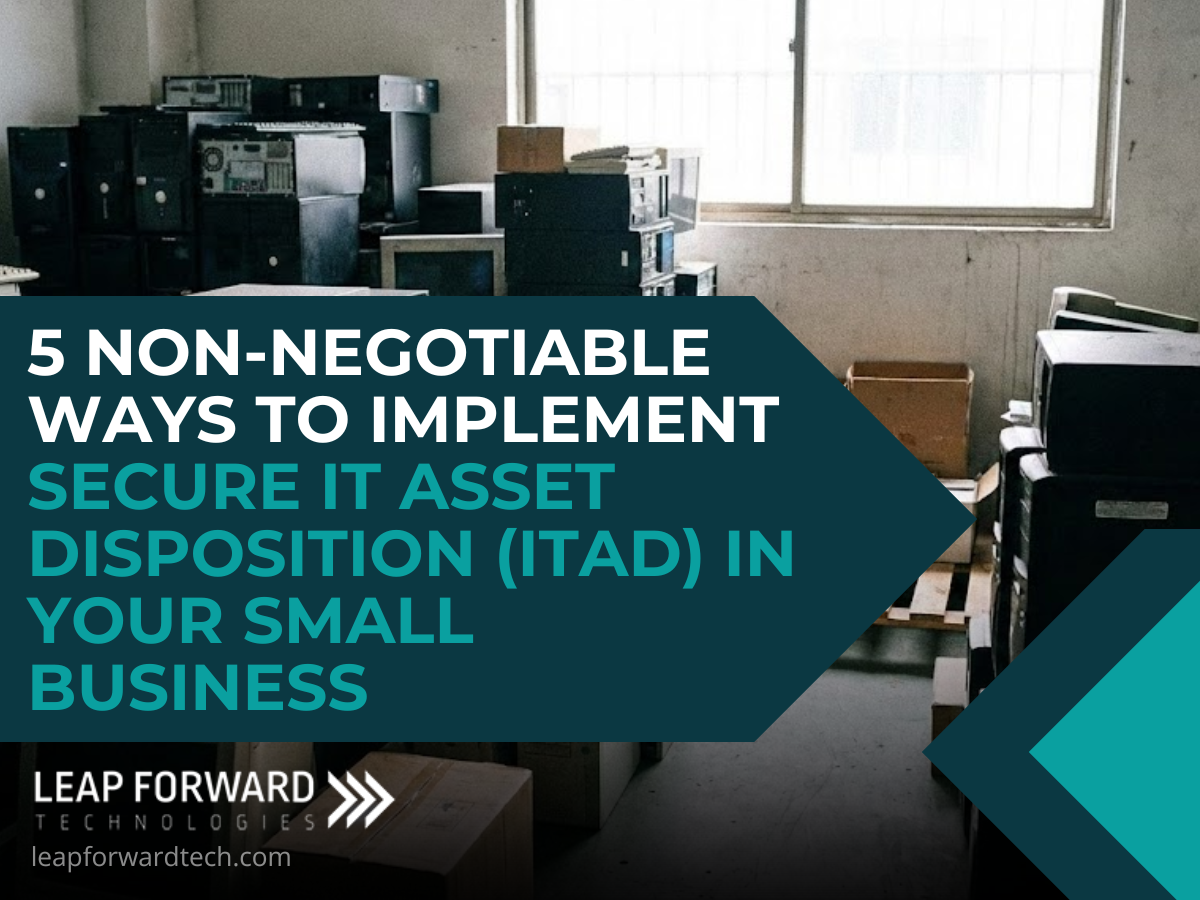
Every piece of technology you use from the server humming in the closet to the laptop sitting on an employee’s desk has a shelf life. But when your small business retires these devices, a critical question emerges: Where does the sensitive data go?
The reality is, that retired hardware laptops, storage arrays, smartphones, and even copiers is a treasure trove of confidential information. Simply tossing a hard drive into a standard recycling bin or wiping a device with basic software is an open invitation for a major data breach and a compliance nightmare. This liability is the villain in your business story.
The hero you need is a structured process called IT Asset Disposition (ITAD). Simply put, ITAD is the secure, ethical, and fully documented path for retiring your IT hardware.
It’s not just about disposal; it’s about extending your security strategy all the way to the end of a device’s life.
By treating ITAD as a core security function, your business not only mitigates risk but also demonstrates a commitment to compliance and sustainability. Let’s explore five practical, no-excuses strategies to help you integrate bulletproof ITAD into your technology lifecycle.
The 5 Pillars of Secure IT Asset Disposition
1. Build a Simple, Non-Negotiable ITAD Policy
You can’t secure what you haven’t defined. Too many small businesses handle IT retirement as a chaotic, one-off task. The solution is a straightforward ITAD Policy no need for a 50-page technical manual. This policy serves as the operational blueprint for managing a critical security gap.
What Your Policy Must Cover:
- The Retirement Trigger: Clear steps for identifying and initiating the retirement of company-owned IT assets.
- Defined Roles and Responsibilities: Who initiates the process, who approves data destruction, and who physically handles the device (the Chain of Custody).
- Standards for Data Sanitization: Specifying the approved methods for erasing data (e.g., NIST 800-88 Clear/Purge) and the requirements for final reporting.
A well-defined policy transforms an unpredictable security risk into a consistent, accountable, and auditable routine. It’s the essential first step in maintaining a strong security posture across the entire technology lifecycle.
2. Embed ITAD into Employee Offboarding
A significant percentage of corporate data loss stems from unsecured devices left behind or unreturned by departing employees. The gap between an employee’s exit interview and the secure disposition of their laptop is a massive security vulnerability.
The Disciplined Offboarding Approach:
- Mandatory Recovery: The offboarding checklist must treat the return of all issued equipment (laptops, phones, external drives) as a critical, non-negotiable security step.
- IT Team Alert: An automated notification to the IT team as soon as an employee resigns or is terminated ensures immediate action.
- Pre-Reassignment Sanitization: Once collected, a device must be securely wiped using enterprise-grade data destruction methods before it is reassigned or retired.
Embedding ITAD here eliminates a massive and common security gap, ensuring sensitive company data never leaves your control even when the employee does.
3. Maintain a Strict, Verifiable Chain of Custody
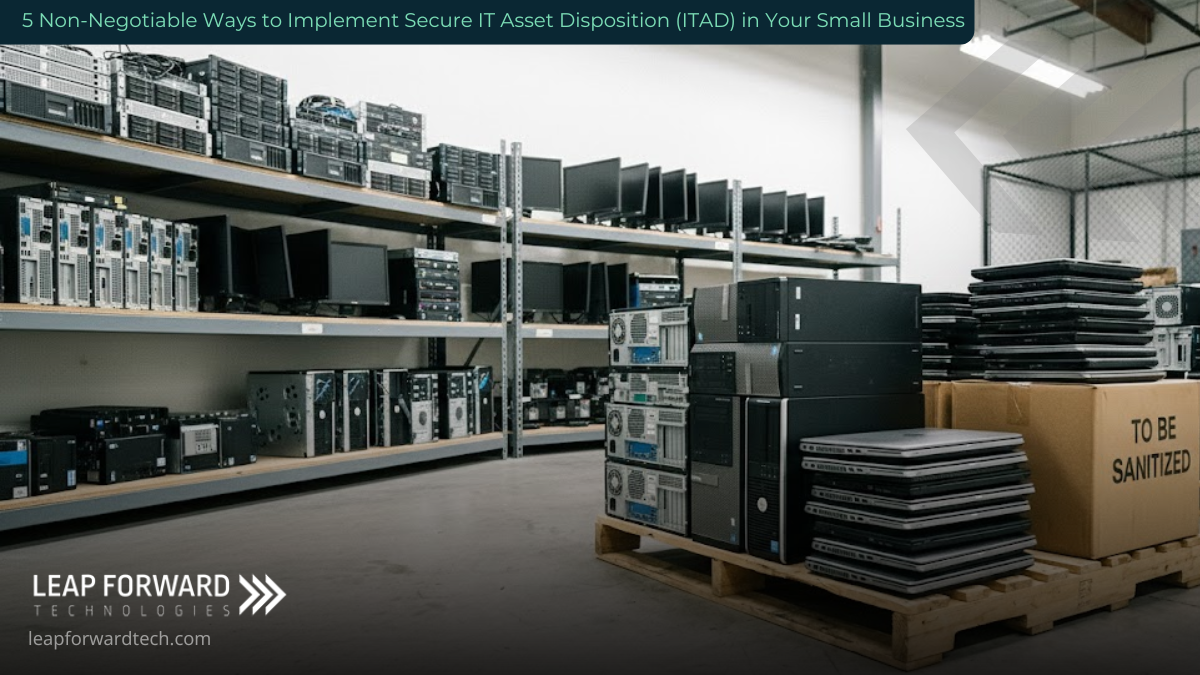
Once a device is off the network and collected, how do you prove it hasn’t been lost, stolen, or compromised before disposal? Accountability is everything in ITAD, and a Chain of Custody log is your proof.
A chain of custody tracks every movement and handler of a retired asset, eliminating the “blind spots” where a device is most vulnerable.
Essential Chain of Custody Documentation:
| Field | Purpose |
| Asset Tag/Serial No. | Unique identification of the device. |
| Collection Date & Time | When the device left the employee/office. |
| Handlers (Signature) | Every individual who took physical possession. |
| Status Updates | In Storage, In Transit, Data Sanitization Complete. |
| Final Disposition Date | When the process was officially completed (e.g., date of certified destruction). |
Whether you use a simple spreadsheet or an advanced digital tracking system, this record secures your process and creates a verifiable audit trail that demonstrates regulatory compliance and due diligence.
4. Prioritize Certified Data Sanitization Over Physical Destruction
Many businesses default to physically shredding hard drives, believing it’s the only foolproof method. While effective, it’s often a wasteful and unnecessary approach, especially for small businesses.
The Smarter, Greener Approach: Data Sanitization
Certified data sanitization uses specialized, industry-standard software to overwrite storage drives multiple times with random data, rendering the original information 100% unrecoverable.
The Advantages of Sanitization:
- Sustainability: By making the drive secure, the device (or its components) can be safely refurbished, reused, or resold. This supports a circular economy, reducing e-waste and extending the life of technology.
- Potential Revenue: Reusing or reselling sanitized, late-model hardware can recover value, turning a disposal cost into a potential revenue stream.
- Environmental Responsibility: You’re not just securing data; you’re shrinking your environmental footprint by avoiding landfill contribution.
When executed by a certified professional, sanitization is just as secure as destruction, but far more sustainable and resourceful.
5. Partner with a Vetted and Certified ITAD Provider
Most small and mid-sized businesses lack the specialized tools, secure facilities, and internal expertise required for enterprise-grade data destruction and compliance reporting. This makes partnering with a certified third-party provider the most secure and fiscally responsible choice.
What to Look for in an ITAD Partner:
- Industry Certifications: Seek global and nationally accepted credentials. Look for the e-Stewards and R2v3 Standard for ethical recycling and reuse, and NAID AAA Certification for secure data destruction processes.
- Full Liability Transfer: A reputable provider accepts full legal and environmental liability for your assets from the moment they are picked up.
- Documentation: They must issue a detailed Certificate of Destruction/Disposal for your records, which is critical for compliance audits.
Outsourcing ITAD to experts who specialize in this field ensures your process adheres to the highest security standards and keeps you compliant with data privacy regulations.
Conclusion: Turn Retired Tech into a Security Advantage
Your retired IT assets are not merely junk; they are a significant liability until they are managed properly.
A structured IT Asset Disposition program turns that potential risk into a demonstrable commitment to security, compliance, and corporate integrity. This is the mark of a forward-thinking small business.
Ready to move beyond reactive disposal?
Leap Forward Tech helps businesses manage the entire technology lifecycle, from deployment to secure retirement. We partner with small and mid-sized businesses across West Central & Southwest Minnesota to implement secure, auditable, and sustainable ITAD solutions.
Take the first step toward secure, responsible IT asset management. Let’s ensure your legacy data remains locked down, even after your hardware is retired. Contact us today.