Stop Giving Away the Keys to Your Digital Kingdom
Managing access for contractors and third-party vendors is one of the toughest trade-offs in modern business. You need to onboard them fast to keep projects moving but speed often means cutting corners on security. The result? Shared passwords, overly permissive accounts, and, most dangerously, “ghost” accounts that linger long after the work is done. It’s a classic business vulnerability that turns a temporary fix into a permanent risk.
Imagine this: You could grant precise access, enforce high security standards, and have that access vanish the moment a contract ends all automatically. This isn’t just wishful thinking. With Microsoft Entra Conditional Access for contractors, you can build a self-cleaning system that solves this security and management headache in roughly sixty minutes. It’s about shifting your team from reactive cleanup to proactive control, making your operations both safer and smarter.
The Cost of Relying on Human Memory
The Financial and Compliance Imperative for Automation
The real danger in contractor management isn’t just granting access; it’s the reliance on a busy person’s memory to manually revoke it.
These forgotten, dormant, or “ghost” accounts are a goldmine for cyber attackers. Since they are inactive, they are rarely monitored, offering a discreet back door into your network. When compromised, they allow attackers to operate undetected, sometimes for months.
Consider the notorious 2013 Target data breach. Attackers gained initial access by compromising the credentials of a third-party HVAC vendor. This vendor had legitimate, yet excessively broad, access to the network for a limited purpose (billing). Had the principle of least privilege been enforced, limiting the vendor only to the necessary system, the devastating lateral movement across the network could have been contained or prevented entirely.
Leveraging Microsoft Entra Conditional Access is how forward-thinking businesses mitigate this risk. By automating sign-in frequency checks and instantly revoking access upon group removal, you eliminate the risk of lingering permissions. This automation ensures you are applying the principle of least privilege consistently, significantly reducing your attack surface and demonstrating due diligence for critical compliance standards (like HIPAA or GDPR). It transforms a high-risk, manual vulnerability into a reliable, self-managing cloud security solution.
🛠️ The 4-Step Blueprint to Auto-Revoke Contractor Access
The goal is to build a single point of control that automatically manages access based on group membership. This process is clear, fast, and scalable.
1. Create a Central Control Point
The first step in taming contractor chaos is organization. Attempting to apply rules individually is a non-scalable recipe for forgotten accounts.
- Action: Go to your Microsoft Entra admin center (formerly Azure AD admin center).
- Create: Set up a new security group with a clear, descriptive name such as
External-ContractorsorTemporary-Project-Vendors.
This group now functions as your single point of truth. When a project starts, add the contractor; when it ends, remove them. This simple group membership change will become the trigger for the entire automated security system.
2. Implement the Self-Cleaning Expiration Policy
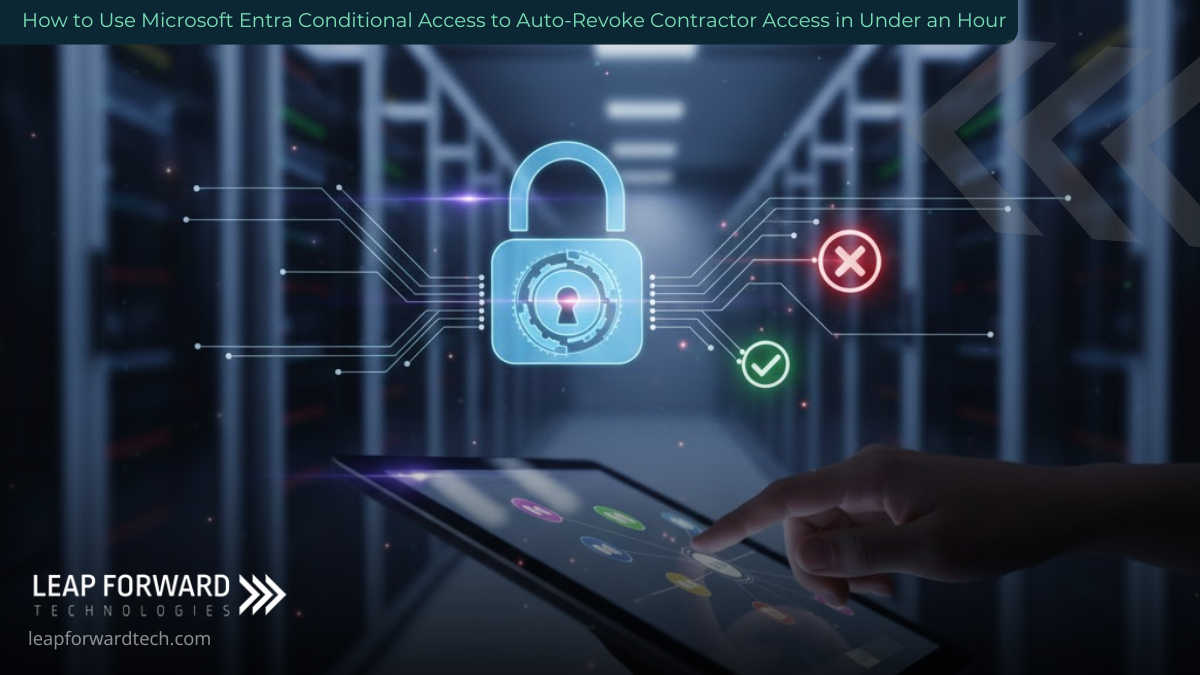
Next, we establish the rule that automatically manages access revocation. This is where Conditional Access does the heavy lifting, ensuring your security is proactive, not reactive.
- Action: In the Entra portal, create a new Conditional Access policy and assign it to your new
External-Contractorsgroup. - Grant Control: Under the “Grant” section, enforce Multi-Factor Authentication (MFA). This is a non-negotiable layer of protection for external users.
- Session Control: Locate the “Sign-in frequency” setting under “Session.” Set this to 90 days (or a duration aligned with your typical contract length).
This frequency setting is the key to the automatic clean-up. Once a contractor is removed from the security group, they can no longer re-authenticate or satisfy the policy requirements, locking the door behind them immediately and completely.
3. Apply Precision with the Principle of Least Privilege
Contractors should only have keys to the rooms they need to work in. A marketing consultant has no need for your ERP system; a developer should not be browsing your HR files.
- Action: Create a second Conditional Access policy targeting your
External-Contractorsgroup. - Target Cloud Apps: Under “Cloud apps,” select only the specific applications the group is authorized to use (e.g., Teams, specific SharePoint sites, a CRM).
- Final Control: Set the control for all other applications to “Block.”
This step acts as a custom, dynamic firewall around each external user, dramatically reducing the attack surface by ensuring their account cannot be used to explore or exploit unauthorized parts of your network.

4. Layer in Phishing-Resistant Authentication
For a robust defense, you can require contractors to use your strongest authentication methods. Since you won’t manage their personal device, the focus shifts to their method of identity proof.
- Action: Configure a policy that requires either a compliant device OR signing in with a phishing-resistant method, such as the Microsoft Authenticator app or a security key.
This setup encourages the use of advanced security without causing onboarding friction. It fully leverages the security capabilities of Microsoft Entra Conditional Access, ensuring that even if credentials are stolen, they are nearly impossible to misuse.
Take Back Control of Your Cloud Security
Once configured, this system runs itself. A new contractor is added to the group and instantly gains precise, secured access. When the project is complete and they are removed from the group, their access is revoked immediately and thoroughly even if they were in the middle of a session.
This automation shifts the focus from managing security risks to managing your business goals, eliminating the anxiety over forgotten accounts and lingering permissions.
For organizations seeking reliable, professional cloud security solutions across West Central and Southwest Minnesota, the time to upgrade from manual risk management to automated control is now.
Leap Forward Tech helps businesses like yours simplify security complexity with smart, scalable Microsoft Entra Conditional Access implementations. Stop relying on human memory to protect your company.
Ready to build your set-and-forget access system in a single afternoon?
Contact Leap Forward Tech today to secure your contractor access and close that critical security gap for good.